
In the world of gaming, having the right setup can make all the difference. For enthusiasts and casual gamers alike, building a gaming PC offers not only the best performance but also the satisfaction of customizing every component to your liking. In this article, we will explore the essential aspects of creating your perfect gaming rig, from selecting components to assembling them effectively.
Understanding Your Gaming Needs
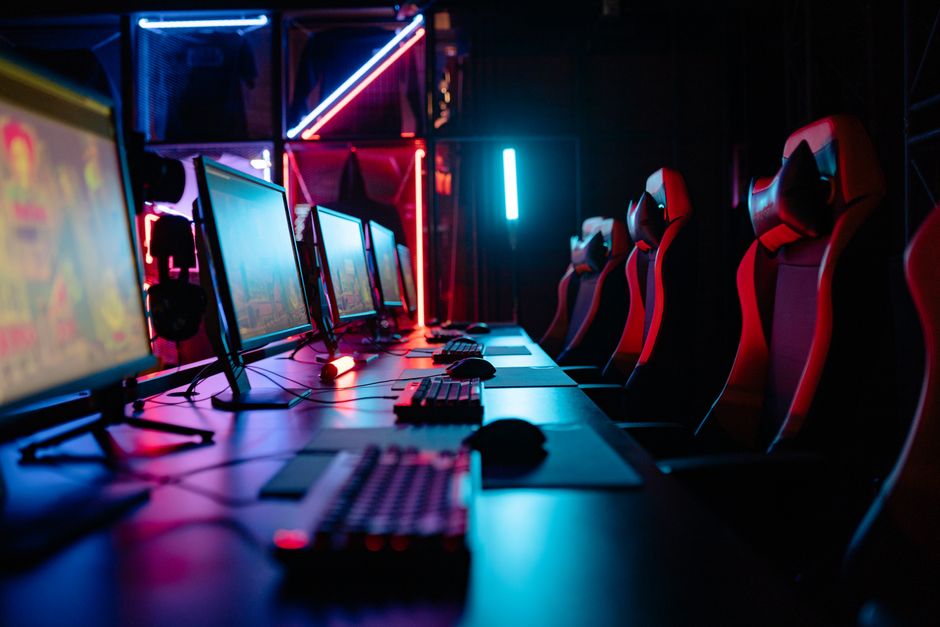
The first step in building a gaming PC is to assess your specific gaming needs. Are you looking to play the latest AAA titles at ultra settings, or are you more inclined towards eSports games that prioritize high frame rates? Knowing your gaming habits will help you choose the right components that align with your needs. For example, if you are an avid player of graphically intensive games, investing in a high-end graphics card is crucial.
Furthermore, consider the resolution at which you plan to play. A 1080p monitor will require less powerful hardware compared to a 4K display. Understanding these elements will guide you in making informed decisions regarding your build.
Choosing the Right Components
When it comes to building a gaming PC, selecting the right components is paramount. The key components include the CPU, GPU, motherboard, RAM, storage, power supply, and casing.
The CPU, or central processing unit, is often referred to as the brain of the computer. For gaming, a multi-core processor is recommended to handle multiple tasks simultaneously. Pairing a powerful CPU with a capable GPU will ensure that your gaming experience is smooth and responsive.
Graphics cards are another critical component. Brands like NVIDIA and AMD offer a range of GPUs that cater to various performance levels. A good rule of thumb is to balance your GPU choice with your CPU to avoid bottlenecks in performance.
In addition to these core components, you’ll need to consider your RAM and storage. A minimum of 16GB of RAM is recommended for modern gaming, while SSDs provide faster load times compared to traditional HDDs.
Assembling Your Gaming PC
Once you have gathered all your components, it’s time to assemble your gaming PC. This process can be daunting for first-timers, but with the right guidance, it can be an enjoyable experience.
Start by preparing your workspace and ensuring you have all necessary tools at hand, such as a screwdriver and anti-static wrist strap. Begin with the CPU and cooler installation on the motherboard, followed by installing the RAM. Next, carefully place the motherboard into the case and secure it.
After the motherboard is in place, install the power supply and connect all necessary cables. Finally, install the GPU and any additional storage devices. Once everything is assembled, do a final check of all connections before powering on your new gaming rig.
Optimizing Your Gaming Experience
After successfully building your gaming PC, the next step is optimization. This involves installing the operating system, updating drivers, and configuring settings to enhance performance.
Install the latest drivers for your GPU and other components to ensure maximum compatibility and performance. Additionally, consider using software tools to monitor temperatures and performance metrics, allowing you to make adjustments as necessary.
Don’t forget to customize your gaming experience by tweaking in-game settings. Many games allow you to adjust graphics settings for better performance or visual fidelity based on your preferences.
Joining the Gaming Community
Building a gaming PC is not just about the hardware; it’s also about becoming part of a vibrant community. Online forums and local gaming groups provide excellent platforms for sharing experiences, troubleshooting issues, and discussing the latest hardware trends.
Resources like gaming PC builder websites can be invaluable for finding compatible components and optimizing your build. Engaging with fellow gamers can also lead to insights on performance tweaks and upgrades, ensuring your gaming setup remains cutting-edge.
Conclusion
Building your gaming PC can be a highly rewarding endeavor that enhances not only your gaming experience but also your technical skills. By understanding your needs, selecting the right components, and assembling them carefully, you can create a machine that serves your gaming ambitions for years to come. Remember to stay engaged with the community and continuously seek improvements as technology evolves. Happy gaming!
